IOImmaculatePublic docs

USER GUIDE

Run AI work with approvals and receipts.

The public operator flow is simple: sign in, connect the right key lane, choose the product surface, review risky actions, and keep receipts attached to the work.

01 | Start

Choose the product lane

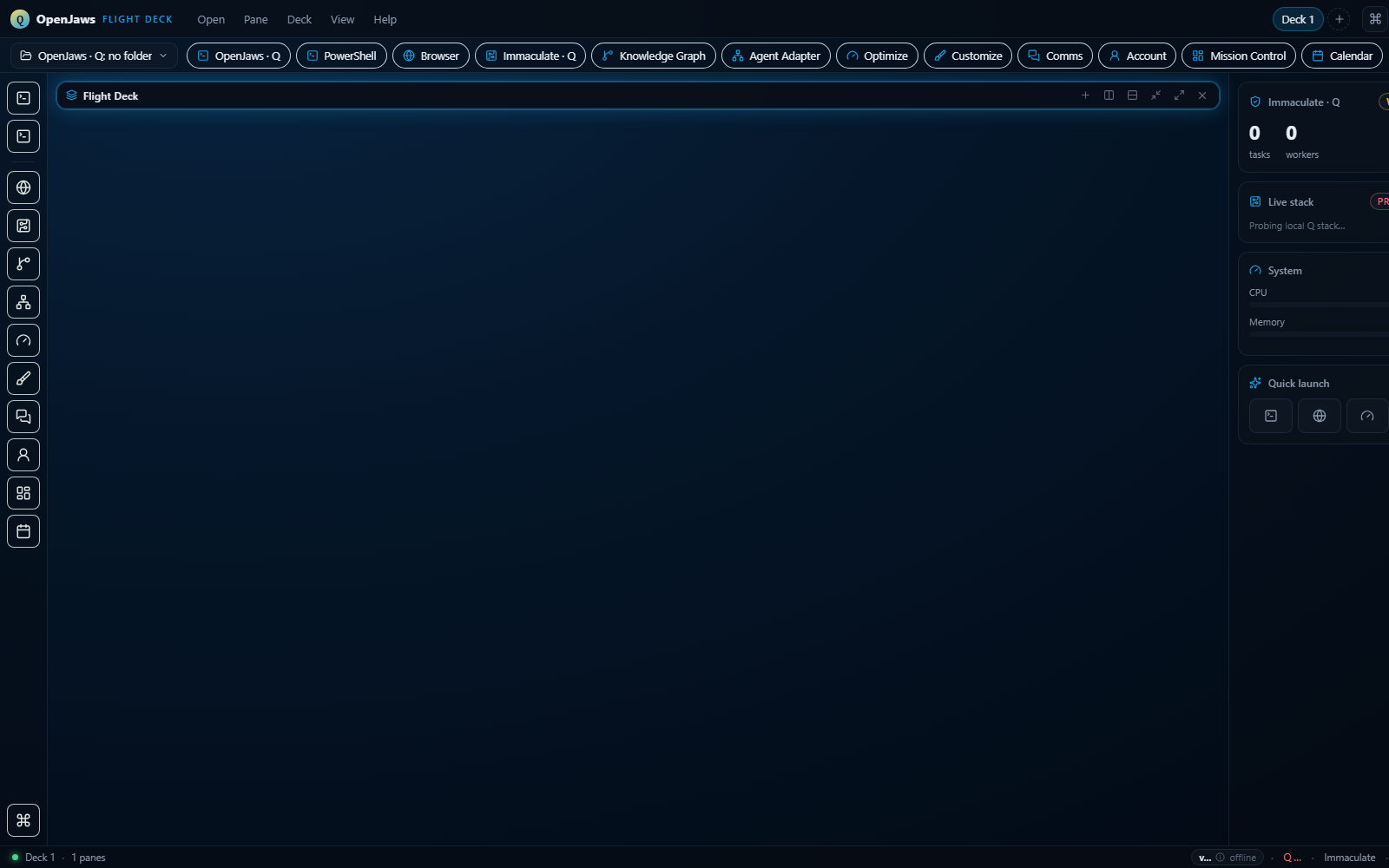
Use JAWS Flight Deck for the IDE workflow, qline.site for the public JAWS product surface, iorch.net for Immaculate MCP/API docs, and Aura for broader Arobi Network docs.

  • JAWS: IDE and cowork workflow.
  • Q: reasoning credits and configured model access.
  • Immaculate: approvals, route policy, and evidence receipts.

02 | Keys

Connect only the key you need

Do not paste broad credentials into every tool. Product access, evidence writes, and Q access should each use their own key so access can be controlled cleanly.

  • Use an Arobi tenant key for tenant API access.
  • Use an Immaculate key for LaaS and governance records.
  • Use a Q key for model calls and credit usage.

03 | Approvals

Review holds before risky actions continue

When Immaculate returns ask, the operator should review the action, the reason, and the route. Approve only when the command, file, deploy target, or external service matches the intended work.

  • Routine read-only checks can move quickly.
  • Deploys and payment-related flows should be checked against the live site pattern.
  • Every important approval should leave a receipt.

04 | Support

Use status and receipts when reporting issues

If a checkout, download, API key, or route behaves unexpectedly, include the product surface, page URL, approximate time, and receipt id if one was shown.

  • Check /status before retrying a workflow.
  • Keep screenshots free of secrets.
  • Share receipt ids instead of raw local files.